
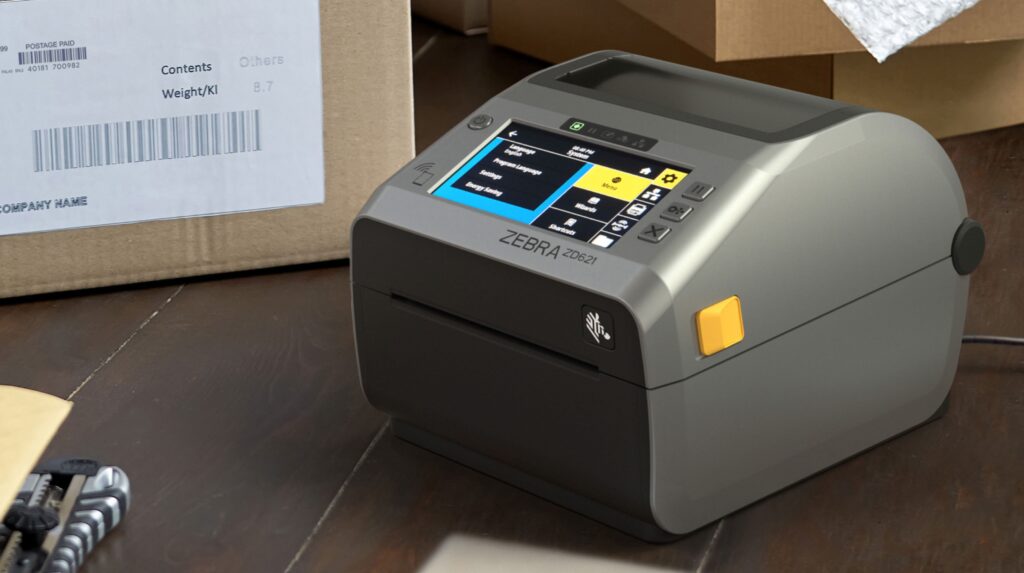
A desktop label printer is one of the most practical tools for modern businesses that need fast, accurate, and professional labeling. From shipping labels and product barcodes to inventory tags and receipts, these compact printers help streamline daily operations across retail, logistics, healthcare, and manufacturing.
In this guide, we’ll explain what a desktop label printer is, how it works, its key benefits, and why it’s essential for efficient business workflows.
What Is a Desktop Label Printer?
A desktop label printer is a compact printing device designed to produce labels on demand. Unlike traditional office printers, it is specifically built for printing:
- Barcode labels
- Shipping labels
- Product identification tags
- Inventory labels
- Price tags
These printers are widely used in retail stores, warehouses, hospitals, and e-commerce businesses where labeling accuracy and speed are critical.
How Does a Desktop Label Printer Work?
A desktop label printer works by receiving digital data from a computer or POS system and printing it onto adhesive label material.
Here’s a simple breakdown of the process:
1. Design the Label
Users create a label using software that may include:
- Barcodes
- QR codes
- Product details
- Pricing information
2. Send Data to the Printer
The label design is sent to the printer via:
- USB
- Ethernet
- Wi-Fi (on some models)
3. Printing Process (Thermal Technology)
Most desktop label printers use thermal printing technology, which comes in two types:
- Direct Thermal Printing: Uses heat-sensitive labels (no ink or toner required)
- Thermal Transfer Printing: Uses a ribbon to transfer ink onto labels for longer-lasting prints
4. Label Output
The printer precisely prints the label and cuts or dispenses it automatically, ready for application.
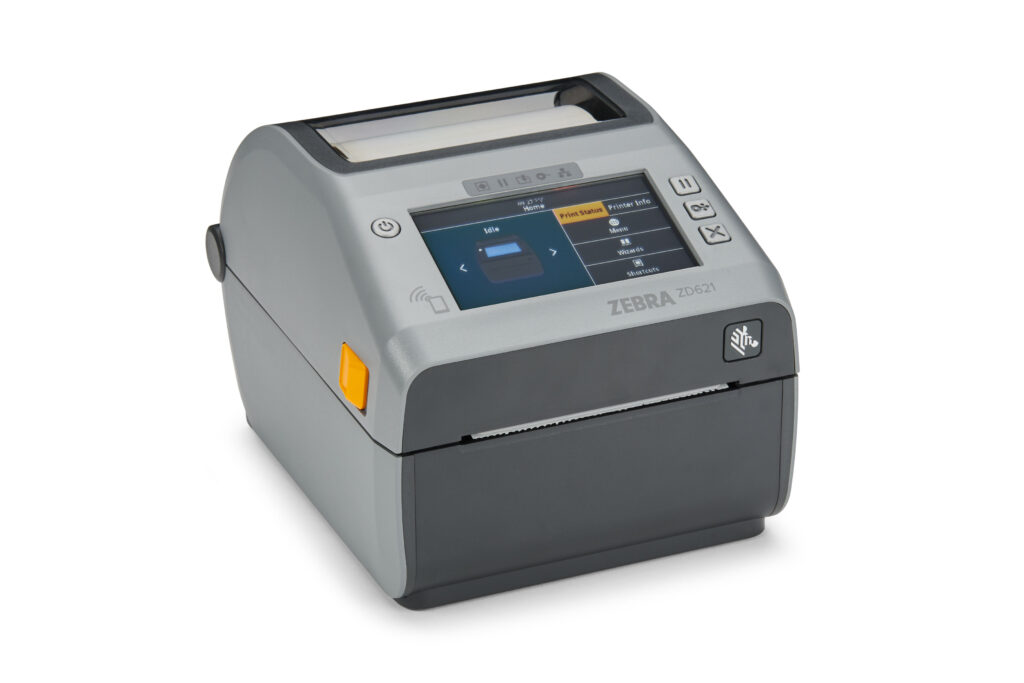
Types of Desktop Label Printers
1. Direct Thermal Desktop Printers
Ideal for short-term labels such as:
- Shipping labels
- Receipts
- Temporary tags
2. Thermal Transfer Desktop Printers
Best for durable labels used in:
- Asset tracking
- Product labeling
- Warehouse inventory
Key Benefits of a Desktop Label Printer
Compact and Space-Saving
Designed to fit easily on desks or counters without taking up much space.
Cost-Effective Printing
Thermal printing eliminates the need for ink or toner, reducing operating costs.
High-Speed Output
Prints multiple labels quickly, improving workflow efficiency.
Professional Quality Labels
Produces sharp barcodes and clear text for better readability and scanning accuracy.
Easy Integration
Works seamlessly with POS systems, inventory software, and shipping platforms.
Common Uses of Desktop Label Printers
Desktop label printers are widely used across different industries:
Retail
- Price tags
- Product labels
- Shelf labeling
E-Commerce & Logistics
- Shipping labels
- Courier tracking labels
- Warehouse inventory labels
Healthcare
- Patient ID wristbands
- Sample labeling
- Pharmacy prescriptions
Manufacturing
- Asset tracking
- Component labeling
- Quality control tags
Features to Look for in a Desktop Label Printer
When choosing a desktop label printer, consider:
- Print resolution (203 dpi or 300 dpi)
- Print speed (in inches per second)
- Connectivity options (USB, Ethernet, Wi-Fi)
- Label size compatibility
- Durability and duty cycle
- Software compatibility
Why Businesses Need Desktop Label Printers
In today’s fast-paced business environment, accuracy and efficiency are essential. A desktop label printer helps reduce human error, speed up operations, and improve inventory management.
For businesses handling shipping, retail sales, or product tracking, it is not just a tool—it’s a productivity essential.
A desktop label printer is a smart investment for any business that relies on labeling, tracking, or shipping. With fast printing speeds, low operating costs, and professional output, it simplifies operations and improves efficiency across multiple industries.
Whether you’re running a small online store or a large warehouse, choosing the right label printer can significantly improve your workflow and customer experience.