

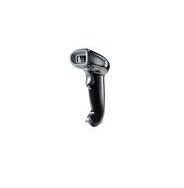
Honeywell Voyager 1452g Area Imager Barcode Scanner, omni-directional 1D scanning as standard, Can be upgraded to read 2D barcodes, IP42 Rated
- omni-directional 1D scanning as standard
- Scans virtually all linear bar codes and the most widely used 2D bar codes
- Reads poor quality and mobile bar codes (2D decoding available in select models
- Scans coupons, mobile tickets and digital wallets from the screens of mobile devices
- Can be upgraded to read 2D barcodes,
- IP42 Rated
- 3 year warranty
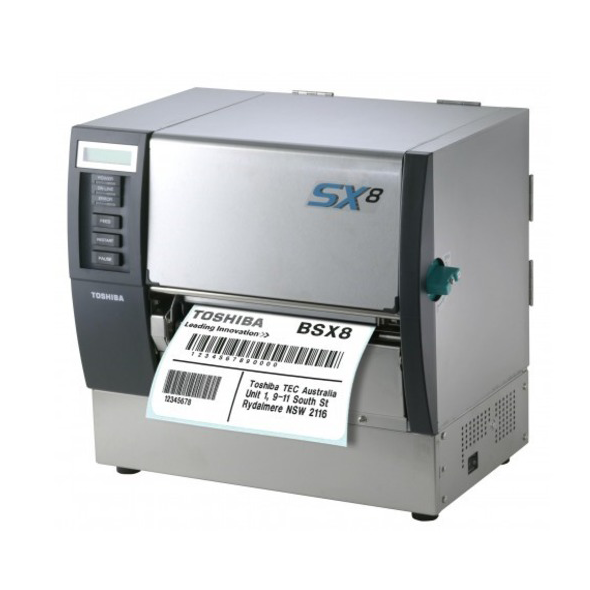
TOSHIBA B-SX6
 Ideal for pallet labelling, parcel and warehousing applications
The B-SX6 wide web printer has been designed with the user in mind, offering increased expandability options, higher processing speeds, easy maintenance and the ability to reproduce legacy and competitive label output formats. 305dpi as standard, with a maximum print width of 6.8 inches at 8 inches per second print speed, the B-SX6 has an optional cutter, peel off module, Expansion I/O interface board (allowing for connection to external peripherals such as label applicators or on-line verifiers), real time clock, RFID kits (HF & UHF) and ribbon save options.
Ideal for pallet labelling, parcel and warehousing applications
The B-SX6 wide web printer has been designed with the user in mind, offering increased expandability options, higher processing speeds, easy maintenance and the ability to reproduce legacy and competitive label output formats. 305dpi as standard, with a maximum print width of 6.8 inches at 8 inches per second print speed, the B-SX6 has an optional cutter, peel off module, Expansion I/O interface board (allowing for connection to external peripherals such as label applicators or on-line verifiers), real time clock, RFID kits (HF & UHF) and ribbon save options.

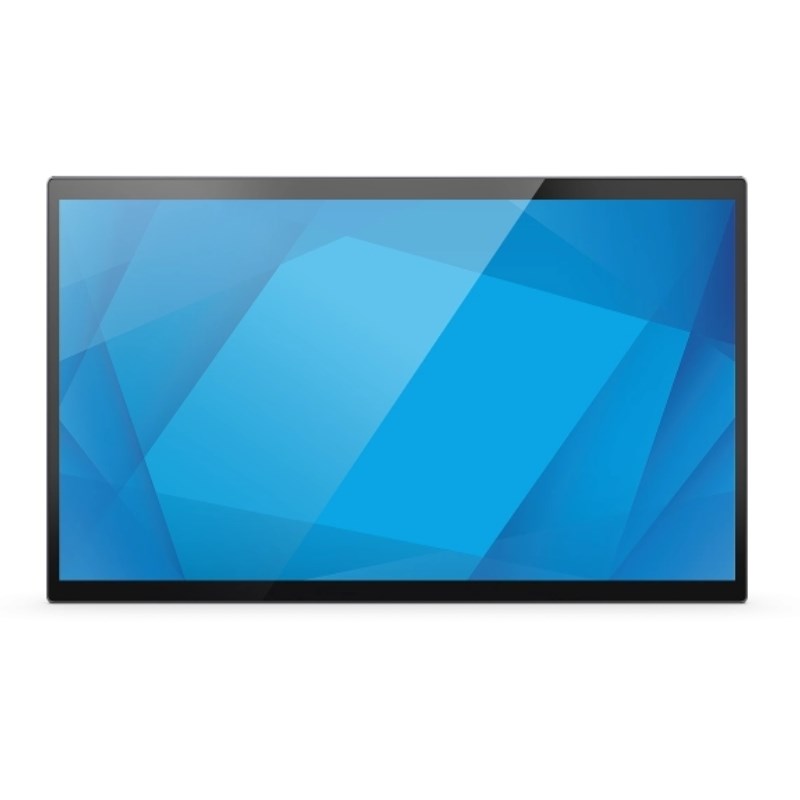
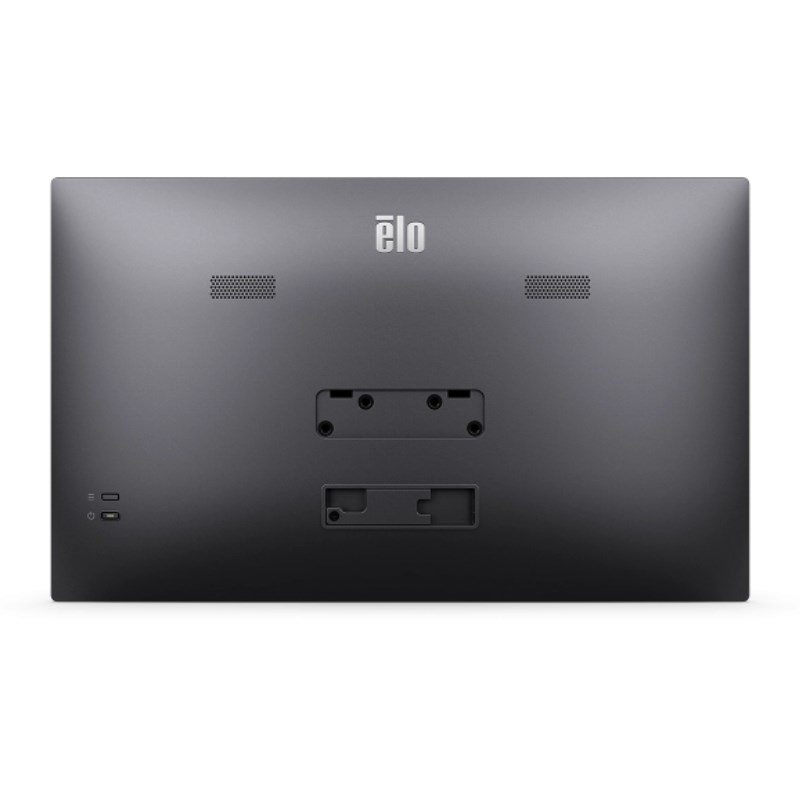
Elo 1504LS 15.6-Inch Touchscreen Monitor
Product Code: E968313 Features:
- 15.6″ diagonal touchscreen with Projected Capacitive (PCAP) technology
- Supports 10 simultaneous touch points
- Active matrix TFT LCD with LED backlighting 16:9 aspect ratio and 16.2 million colours
- Anti-glare surface treatment for improved visibility
- USB Type-C port for power, video, and touch connectivity
- VESA mounting compatibility via 75mm adapter
- 20 ms typical response time
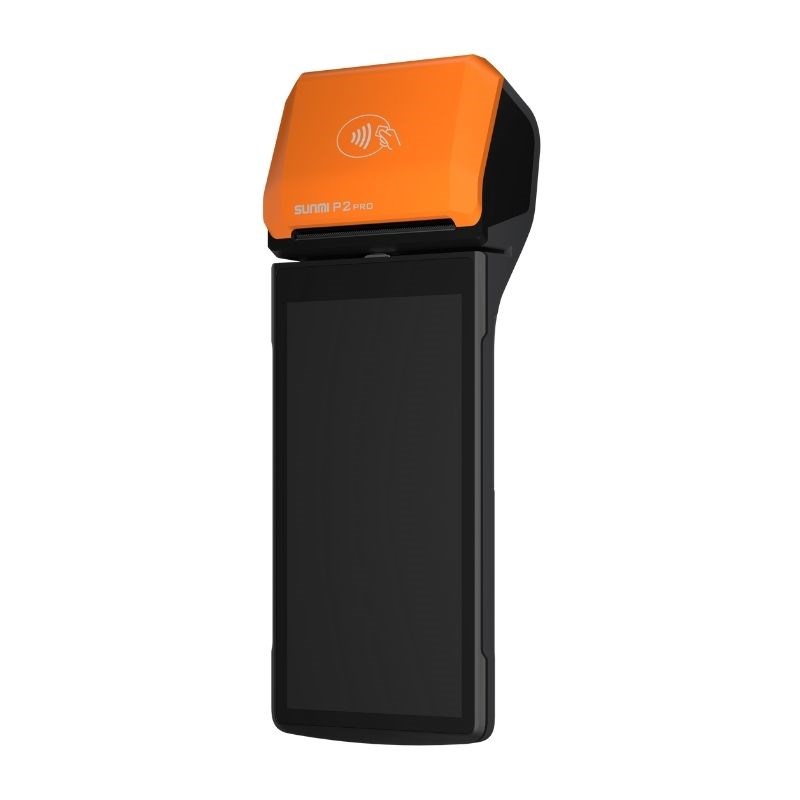
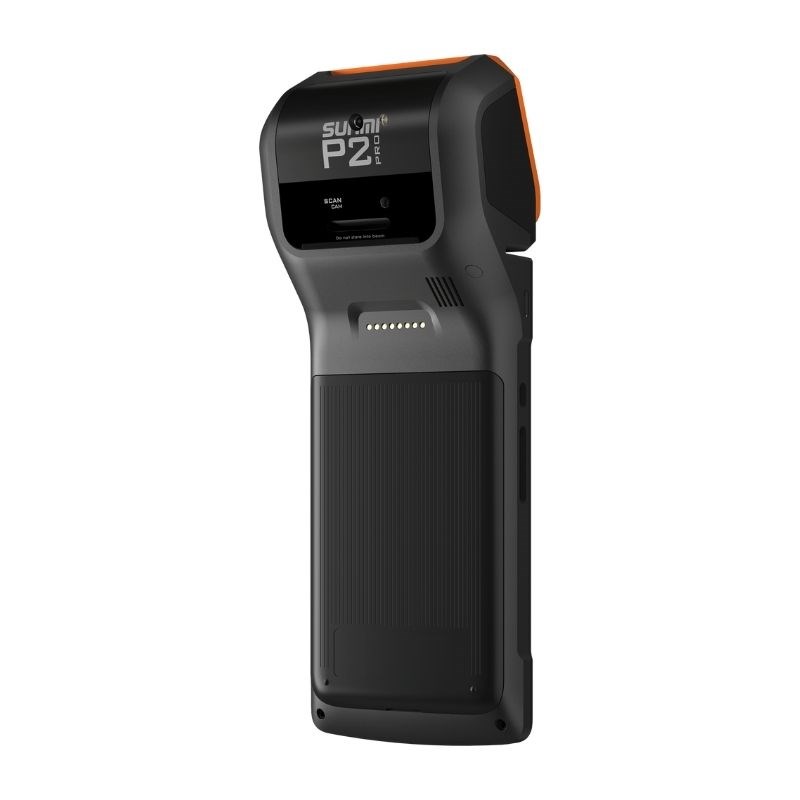
Sunmi P2 Pro Android 7 Handheld Financial POS PDA, 5.99 inch high resolution screen, Qualcomm Snapdragon Quad Core processor, Magnetic Card, QR Code, IC Card, NFC
Product Codes: P07020011, P07020045, P07024009 Features
- 5.99 inch high resolution screen
- Qualcomm Snapdragon Quad Core processor
- Seiko printer
- Supported payment methods: Magnetic Card, QR Code, IC Card, NFC
- Professional scanner for accurate 1D barcode scanning
- Dual SIM Dual Standby which allows switching between carriers
- Dual PASM enables processing in diverse application environments.
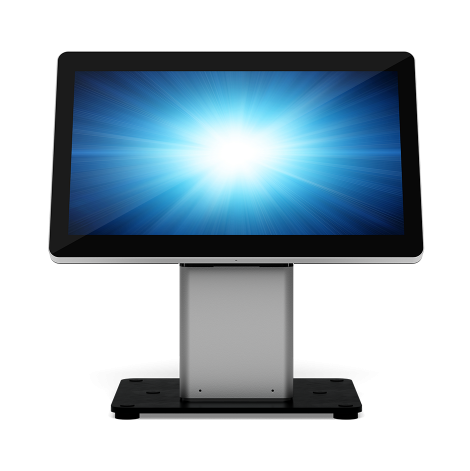
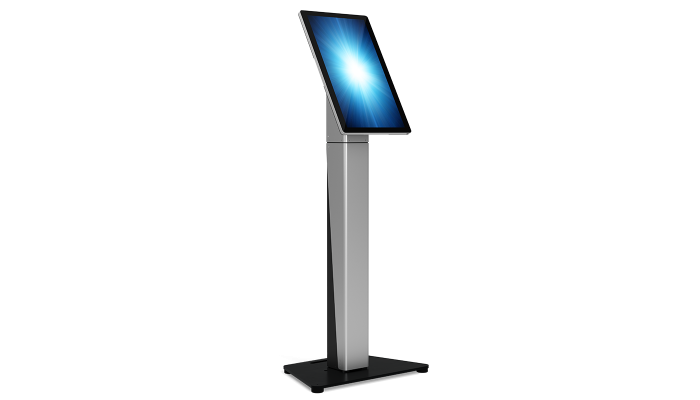
Elo Slim Self-Service Stands
Product Codes: E514693 – E514881 + E515260
The Elo Slim Self-Service Stands offer a great addition to the current Wallaby Stand lineup by providing an 11% slimmer form factor for environments where space is limited. Compatible with Elo?s 15? and 22? I-Series AiO touchscreens and Elo Edge Connect? accessories, the Slim Self-Service Stands offer the flexibility to configure the solution you want. The stands come in both countertop and floor models, giving you the flexibility to tailor your Elo solution to perfectly achieve your vision for your customer experience.
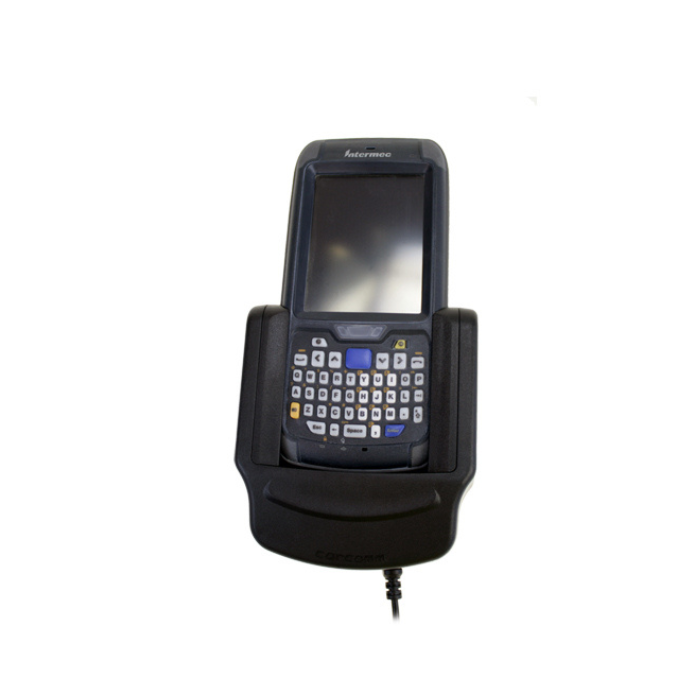
CarComm CREC-306 Active Vehicle Cradle Intermec CN70 / CN70e
Manufacturer Code: 43800306 The main function of the Active Vehicle Cradle is to power and charge your Intermec CN70 / Intermec CN70e while your on the move, and hold it securely into position under heavy use. Features:
- High quality cradle connector – For an optimal connection, keeps the connectors from getting damaged.
- Compatible with 12Volt and 24Volt – Suitable for use in cars and trucks.
- e4 Certified – Certified to be used in cars and trucks.
- Suitable for permanent installation
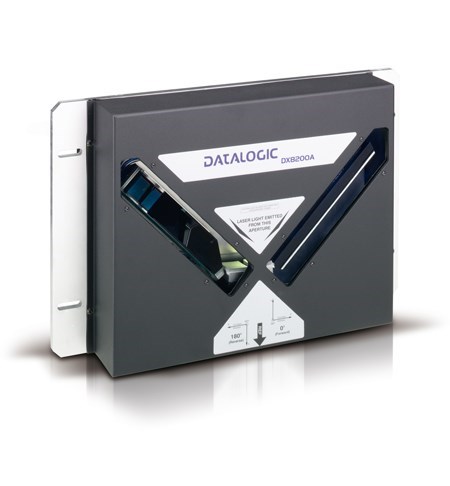
Datalogic DX8200A High Performance Omni-Directional Laser Barcode Scanner
Product Code: 936201017, 936201020, 936201010, 936201016, 936201025, 936201032, 936201021, 936201024, 936201002, 936201004, 936201000, 936201001, 936201008, 936201009, 936201005, 936201006 Features:
- Omni-directional reading
- ACR-4 code reconstruction algorithm
- ASTRA technology for the electronic focusing system
- PACKTRACK to minimize the gap required between objects and increase system productivity
- GENIUS multi-language SW for easy scanner configuration/setup
- Built-in Ethernet TCP/IP, Profibus, and Devicenet connectivity
- Remote diagnostic monitoring and control by Datalogic WebSentinel

UHF Desktop RFID Reader, TA500, ISO 18000-6C, EPC Class 1 Gen2, 860-960 MHz, USB HID / RS232
Manufacturer number: TA500 Features
- Support ISO18000-6C, EPC Class 1 Gen 2 standard
- UHF RFID reader with integrated antenna
- Plug and play
- Frequency: 860 to 960 MHz
- USB-HID keyboard interface
- Antenna for different frequencies
- Reading distance: up to 10 cm (depends on the tag)
- Dimensions: L120 x D86 x H42 mm
- Temperature :
- Operating: 0 to 50°C
- Storage: -20 to 70°C
- Humidity: 10% to 85%
- Integrated optical sensor
- LED and buzzer