
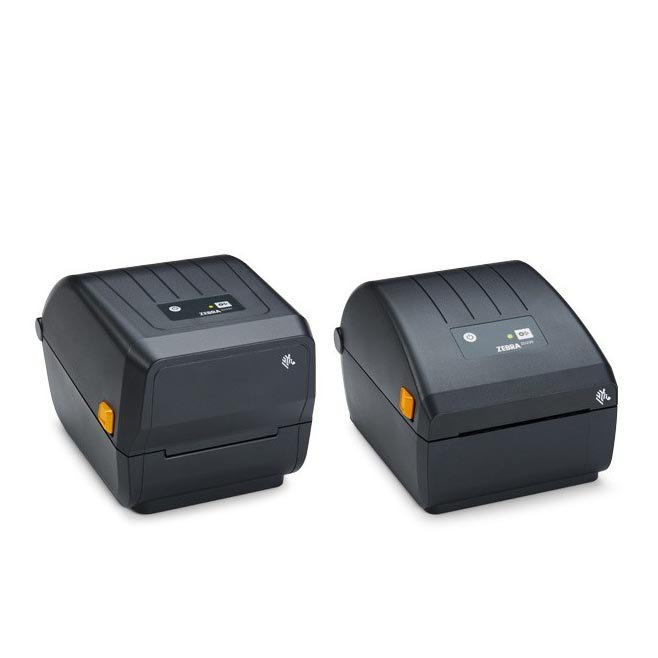
Zebra ZD230 4-Inch Value Desktop Printer
Features:
- Thermal Transfer or Direct Thermal print method
- ZPL and EPL programming languages
- Single LED status indicator
- Single button for feed/pause
- USB connectivity
- OpenACCESS? for easy media loading
- Dual-wall frame construction
- ENERGY STAR qualified
- ZebraDesigner Essentials - easy label design tool free at
- Two-year standard warranty
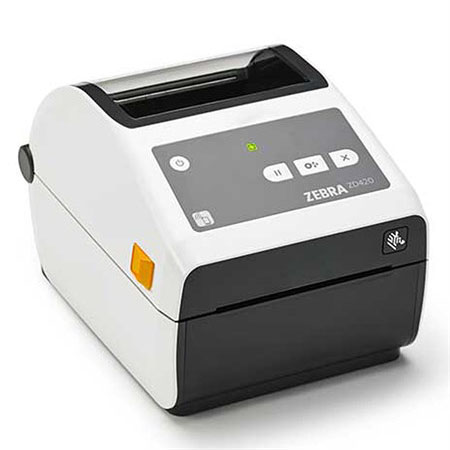
Zebra ZD421C-HC Desktop Printer | Thermal Transfer Cartridge Printer, Healthcare, 203/300 dpi, USB, Modular Connectivity Slot, WLAN/Ethernet
Product Codes: ZD4AH43-C0EE00EZ, ZD4AH42-C0EE00EZ, ZD4AH43-C0EW02EZ, ZD4AH42-C0EW02EZ Features:
- Innovative 4-inch desktop label printer for the healthcare industry
- Disinfectant-ready and UV-resistant plastic housing
- Power supply complies with IEC 60601-1 for usage in healthcare facilities
- Maximum print speed: 152 mm/sec (203 dpi) or 102 mm/sec (300 dpi)
- Three operating buttons, five status LEDs, movable media sensor
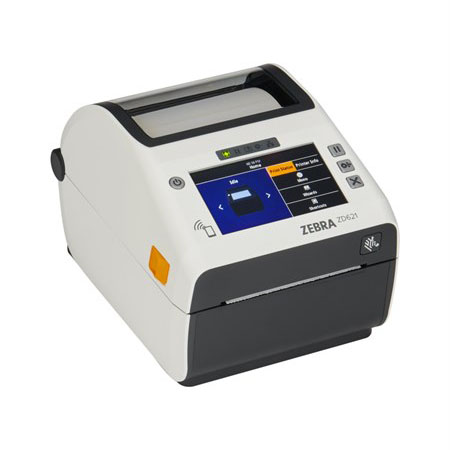
Zebra ZD621D-HC Direct Thermal Desktop Label Printer, Healthcare, Locking, Color Touch LCD, 300/203 dpi, USB, USB Host, Ethernet, Serial, BTLE5/BT4
Product Codes: ZD6AH43-D0EF00EZ, ZD6AL42-D0EF00EZ, ZD6AH42-D0EF00EZ, ZD6AH42-D0EL02EZ Don’t compromise. Get it all with Zebra’s ZD421 and ZD621 Series printers. Featuring a healthcare-specific design, choose from direct thermal, thermal transfer and ribbon cartridge models. With a medical-grade power supply, sealed-button interface and UV-resistant, disinfectant-ready plastics, these printers are easy to sanitize, helping prevent the spread of infections. Engineered for evolving technology, they include Zebra’s exclusive Print DNA software suite that also makes them easy to set up, use, manage and secure. Unlike other brands, Zebra’s printers give you peace-of-mind security with PrintSecure, part of Print DNA, to protect patient information and prevent downtime and costly cyberattacks.
Read more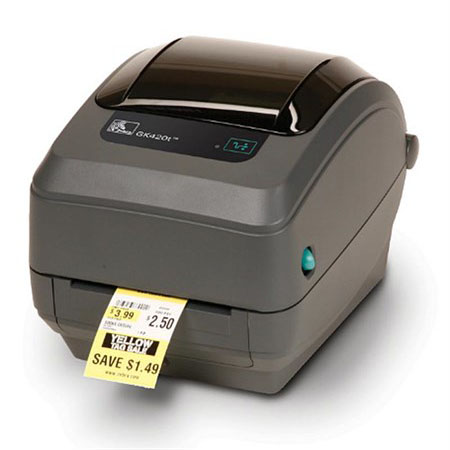
Zebra GK420t Compact Thermal Transfer Desktop Label Printer
-
- Print speed: up to 5 (127 mm) per second
-
- Print method: direct thermal/thermal transfer
-
- EPL and ZPL programming languages standard
-
- OpenACCESS design for easy media loading
-
- Quick and easy ribbon loading system
-
- Dual-wall reinforced plastic construction
- 32 bit RISC processor
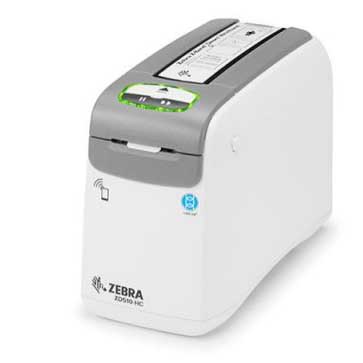

Zebra ZD510-HC
Features:
- Print Width: 1 in.
- Print Technology: Direct Thermal
- Print Speed: 2 ips Healthcare, 4 ips Hospitality
- Print Resolution: 300 dpi (12 dot/mm)
- Connectivity: Wi-Fi 5 (802.11ac) with Bluetooth 4.1 (optional), Bluetooth Low Energy, NFC
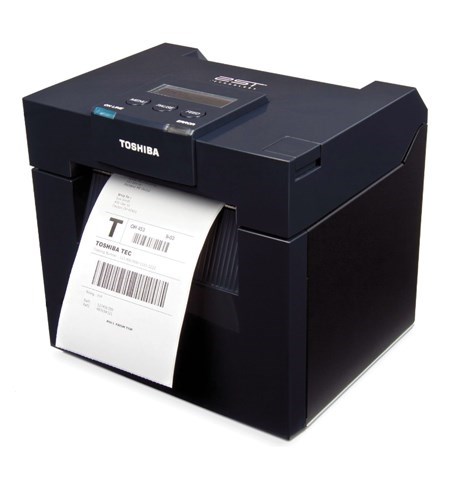
Toshiba DB-EA4D
 DB-EA4D - 2ST 200dpi Barcode Label Printer [Mfr Part # DB-EA4D-GS12-QM-R]
DB-EA4D-GS12-QM-R - Toshiba TEC 2ST Printer, 200 dpi, standard, 4" print width, up to 6" per second print speed, USB and LAN interfaces (optional parallel).
DB-EA4D - 2ST 200dpi Barcode Label Printer [Mfr Part # DB-EA4D-GS12-QM-R]
DB-EA4D-GS12-QM-R - Toshiba TEC 2ST Printer, 200 dpi, standard, 4" print width, up to 6" per second print speed, USB and LAN interfaces (optional parallel).
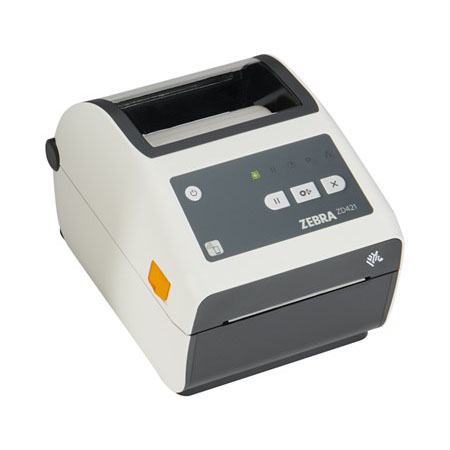
Zebra ZD421D-HC Direct Thermal Advanced Healthcare Desktop Label Printer, 203/300 dpi, USB, USB Host, Ethernet, BTLE5/BT4, EU and UK Cords, Swiss Font, EZPL
Product Codes: ZD4AH42-D0EE00EZ, ZD4AH42-D0EW02EZ, ZD4AH43-D0EE00EZ Features:
- Innovative 4-inch desktop label printer for the healthcare industry
- Disinfectant-ready and UV-resistant plastic housing
- Power supply complies with IEC 60601-1 for usage in healthcare facilities
- Maximum print speed: 152 mm/sec (203 dpi) or 102 mm/sec (300 dpi)
- Three operating buttons, five status LEDs, movable media sensor
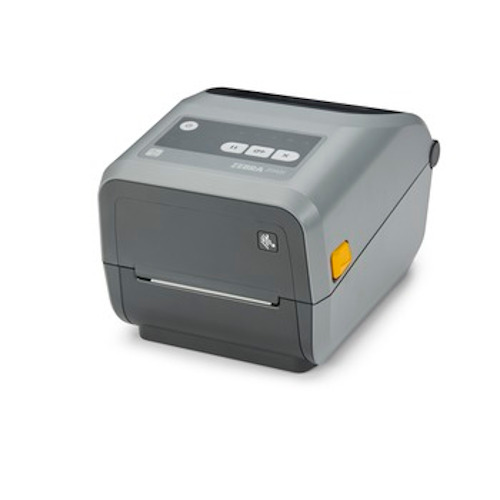
Zebra ZD421 Desktop Printer, 4-Inch Thermal Transfer/Direct Thermal, USB, BLE
Features:
- Print methods: Thermal Transfer or Direct Thermal
- ZPL and EPL programming languages
- 5 status icon, 3 button user interface
- USB 2.0, USB Host
- Printer setup mobile app for Android and iOS via BLE (Bluetooth Low Energy 5) connection*
- Real Time Clock (RTC)
- OpenACCESS™ for easy media loading
- Dual-wall frame construction
- ENERGY STAR® certified
- ZebraDesigner Essentials
- PDF Direct
- Two-year standard warranty
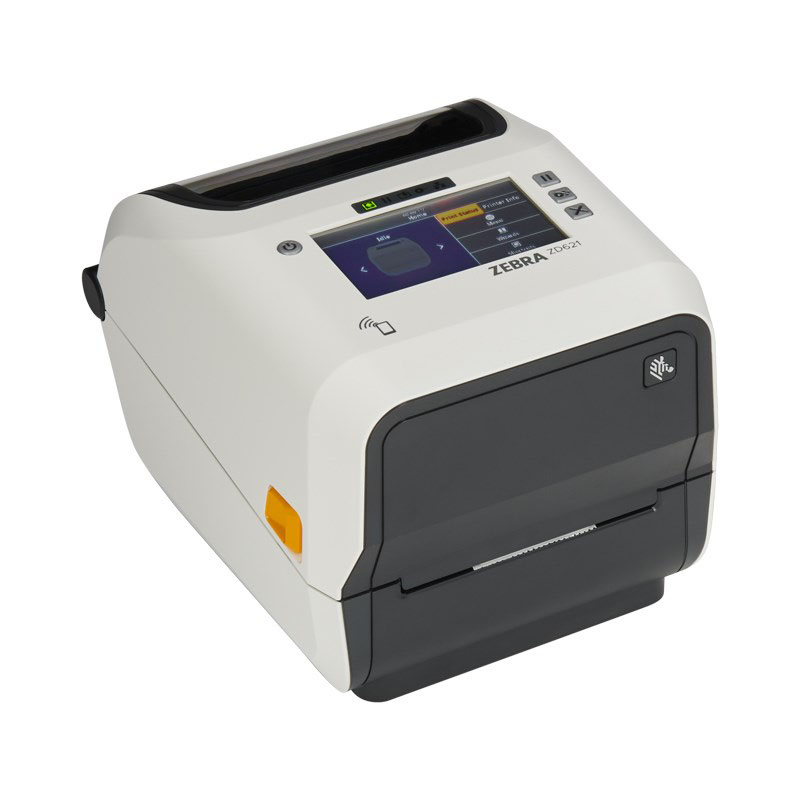
Zebra ZD621T-HC Desktop Label Printer, Healthcare, Color Touch LCD, 300/203 dpi, USB, Ethernet, Serial, 802.11ac
Product Codes: ZD6AH43-30EF00EZ, ZD6AH43-30EL02EZ, ZD6AH42-30EF00EZ Don’t compromise. Get it all with Zebra’s ZD421 and ZD621 Series printers. Featuring a healthcare-specific design, choose from direct thermal, thermal transfer and ribbon cartridge models. With a medical-grade power supply, sealed-button interface and UV-resistant, disinfectant-ready plastics, these printers are easy to sanitize, helping prevent the spread of infections. Engineered for evolving technology, they include Zebra’s exclusive Print DNA software suite that also makes them easy to set up, use, manage and secure. Unlike other brands, Zebra’s printers give you peace-of-mind security with PrintSecure, part of Print DNA, to protect patient information and prevent downtime and costly cyberattacks.
Read more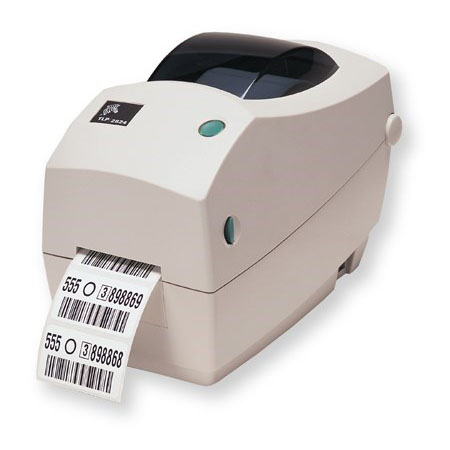
Zebra TLP2824 Desktop Label Printer, 2-Inch Wide Thermal Transfer, 203dpi, Euro & UK Cords, EPL, ZPL, Serial, USB, 10/100 Ethernet
Product Codes: 282P-101120-000, 282P-101220-000, 282P-101520-000, 282P-101121-040, 282P-101522-040, 282P-101521-040, 282P-101221-040, 282P-101222-040, 282P-101122-040
Features:
- Print methods: Direct thermal or direct thermal/thermal transfer
- Odometer for printer length tracking
- Unicode compliant for multi-language printing
- Reset feature button
- Construction: ABS double-walled casing
- OpenACCESS design for easy media loading
- 32 bit RISC processor for high throughput
- Auto calibration of media Head-up sensor
- Zebra Setup Utilities for printer setup and configuration
- Standard tear-off mode
- Certified Microsoft Windows drivers