


Zebra ZQ320 Plus 3 Inch Outdoor Mobile Printer
Product Codes: ZQ32-A0W04TE-00, ZQ32-A0E04TE-00 The ZQ300 Plus Series small mobile printers are built to handle the elements, generate high quality receipts and labels in practically any environmental condition and guarantee power for the longest shift. Available in 58 mm (2 in.) and 80 mm (3 in.) models to ensure worldwide media compatibility the ZQ300 Plus Series comes complete with a ready-to-use remote management solution ? all at a price that won?t break the bank. The ZQ300 Plus Series ? the affordable little mobile printer that delivers big business value.
Read more
Zebra ZQ511 3-Inch Rugged RFID Mobile Printer, RFID, Wi-Fi, Bluetooth 4.1
Product Codes: ZQ51-BUW030E-00 DT Printer ZQ511, media width 3.15inch/80mm; English/Latin fonts, RFID, Dual 802.11ac/Bluetooth 4.1, stnd battery, EMEA Certs Features:
- 3″ print width
- 203dpi print resolution
- Direct Thermal
- IP54 rated
- RFID label printing


Zebra ZQ630 Linerless 4-Inch Mobile Label Printer, Direct Thermal, Linerless Platen, Wifi, Bluetooth
Product Codes: ZQ63-AUWBE11-00, ZQ63-AUFBE11-00, ZQ63-AUW2E11-00 Features:
- Direct thermal printing of barcodes, text and graphics
- Built-in battery charger
- Large, easy-to-read colour display
- Five-way navigation buttons, two software defined keys
- IP43 dust and water resistance rating (IP54 with soft case)
- Supports vertical and horizontal printing
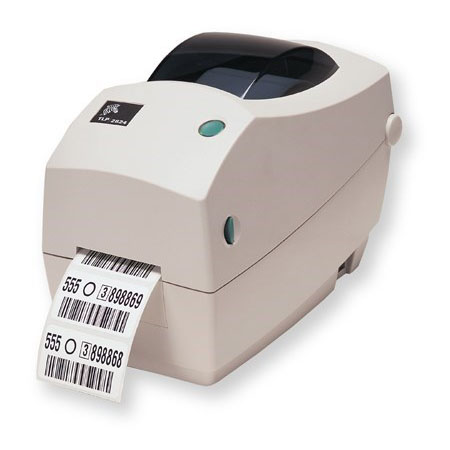
Zebra TLP2824 Desktop Label Printer, 2-Inch Wide Thermal Transfer, 203dpi, Euro & UK Cords, EPL, ZPL, Serial, USB, 10/100 Ethernet
Product Codes: 282P-101120-000, 282P-101220-000, 282P-101520-000, 282P-101121-040, 282P-101522-040, 282P-101521-040, 282P-101221-040, 282P-101222-040, 282P-101122-040
Features:
- Print methods: Direct thermal or direct thermal/thermal transfer
- Odometer for printer length tracking
- Unicode compliant for multi-language printing
- Reset feature button
- Construction: ABS double-walled casing
- OpenACCESS design for easy media loading
- 32 bit RISC processor for high throughput
- Auto calibration of media Head-up sensor
- Zebra Setup Utilities for printer setup and configuration
- Standard tear-off mode
- Certified Microsoft Windows drivers

Zebra ZT421R
OPTIONS:
- ZT421 - 203 dpi, RFID UHF Encoder, Rest of World (ROW) [Mfr Part # ZT42162-T0E00C0Z]
- ZT421 - 300 dpi, RFID UHF Encoder, Rest of World (ROW) [Mfr Part # ZT42163-T0E00C0Z]


Toshiba FP2D Bluetooth Mobile Label Printer
Product Code: B-FP2D-GH30-QM-S Benefits:
- Bluetooth V2.1 EDR with MFi Certified
- NFC Pairing
- Colour screen
- Max Print width 54mm (2inch)
- 460g (without media)
- Max Speed: 152mm/sec (6ips)
- Drop in easy load media
- SDK for .NET/iOS/Android/Java
- Emulations: ZPL2, SBPL, CPCL
- SOTI Mobile Device Management support
- Can withstand drops from 2.0m
- IP54 rated
- Options: 1&4 slot cradle charger for drop in device charging, Single and 6 bay battery charger, carry case, shoulder strap, AC Adaptor Charger
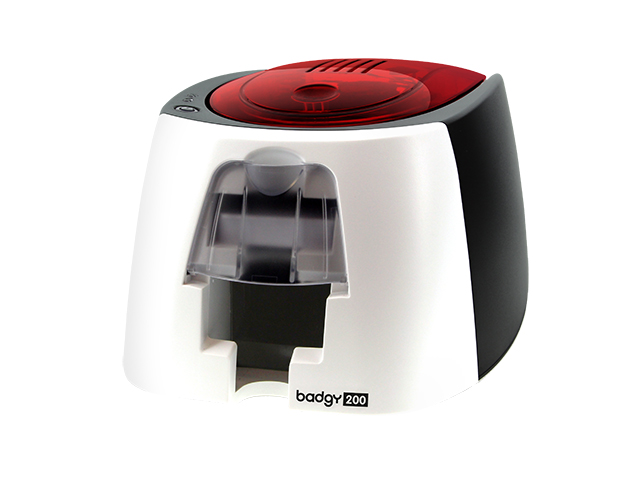
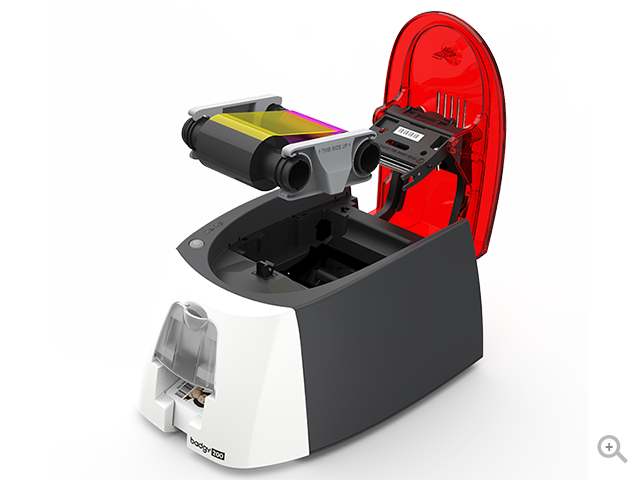
Evolis Badgy 200 Card Printer, Staff ID badges, School ID cards, Membership cards, Loyalty cards, Event badges, Visitor badges
The affordable card printing solution
- Printing: Single-sided
- Encoding: No encoding option
- Card lifespan: 1-3 years
- Number of cards per year: Less than 500
- Card security level: Standard
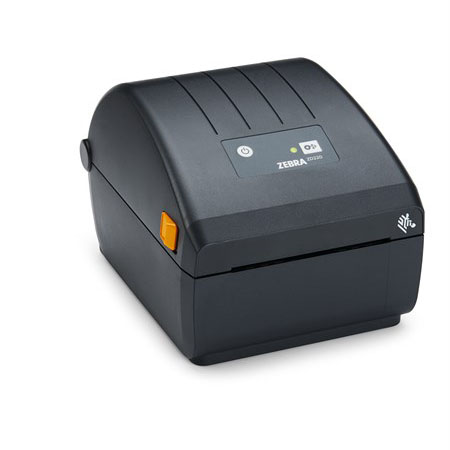
Zebra ZD220D Desktop Label Printer, Direct Thermal Printer, Standard EZPL, 203 dpi, EU and UK Power Cords, USB
Product Codes: ZD22042-D1EG00EZ, ZD22042-D0EG00EZ Features:
- Zebra’s OpenACCESS™ clamshell design makes loading media a snap.
- A single LED indicator and single button for feed/pause make it easy to operate and identify printer status.
- Features a core set of Print DNA software applications, powered by Link-OS® Basic
- Optional factory-installed peeler ENERGY STAR® qualified
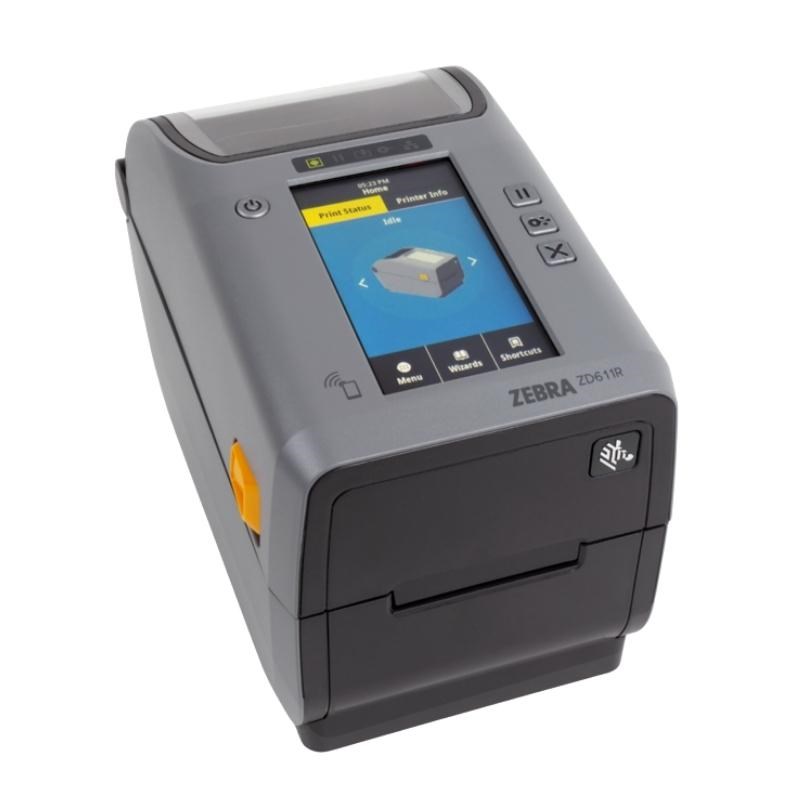
Zebra ZD611R 2 Inch RFID Premium Thermal Transfer Desktop Label Printer/Encoder
Product Codes: ZD6A122-T0EBR2EZ, ZD6A122-T0EER2EZ, ZD6A123-T0EER2EZ, ZD6A123-T0EBR2EZ Features:
- Supports tags compatible with UHF EPC Gen 2 V2, ISO/IEC 18000-63 and RAIN RFID protocols
- Prints and encodes tags with a minimum pitch of 0.6 inch (16 mm)
- Adaptive Encoding Technology simplifies RFID setup and eliminates complex RFID placement guidelines
- RFID job monitoring tools track RFID performance
- RFID log records all RFID data with timestamp, ensuring complete traceability
- RFID ZPL commands provide compatibility with existing Zebra RFID printers
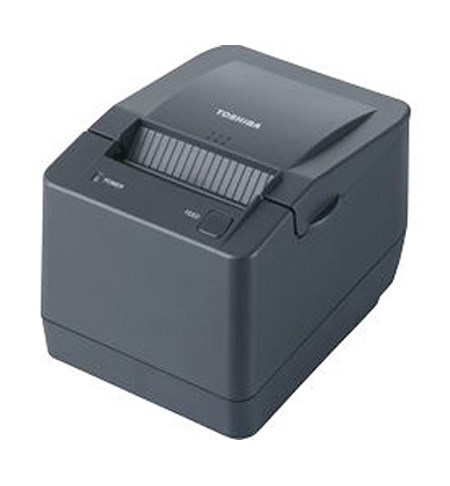
TOSHIBA TRST-A00
 Ideal for hospitality and retail applications
Competitively priced, the TRST-A00 single sided receipt printer offers a print speed of 6.7 inches per second and an 80mm print width. Available in either black or white and with a simple to use drop in paper loading facility, this small footprint printer is a user friendly receipt printing solution.
