,

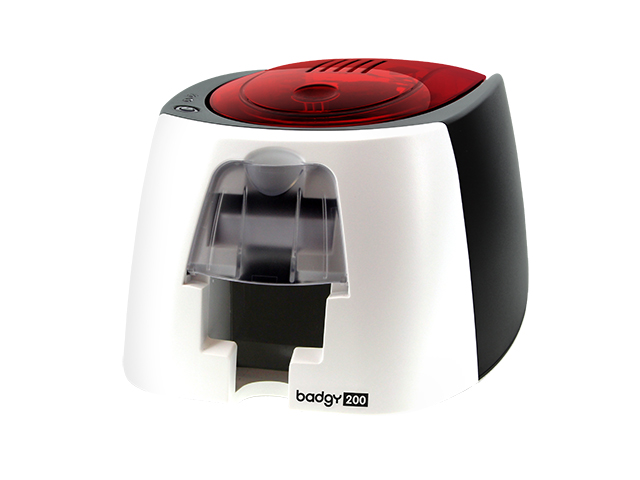
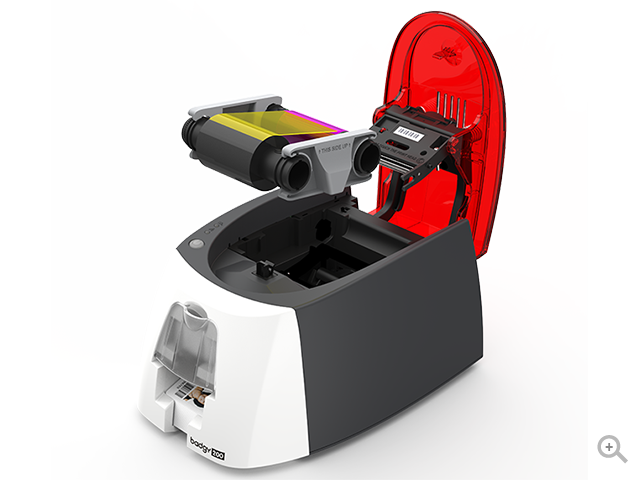
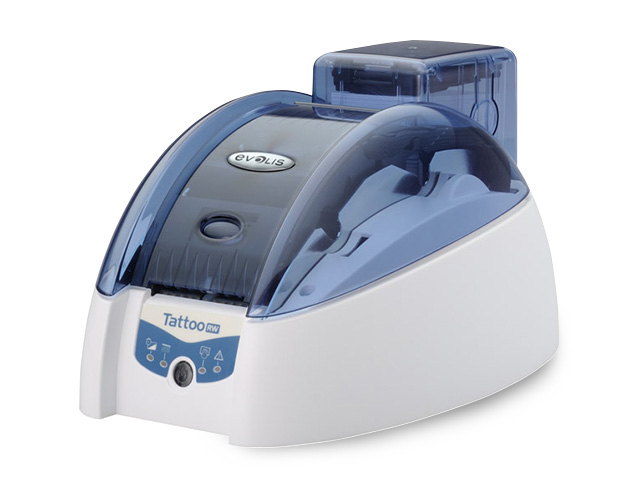
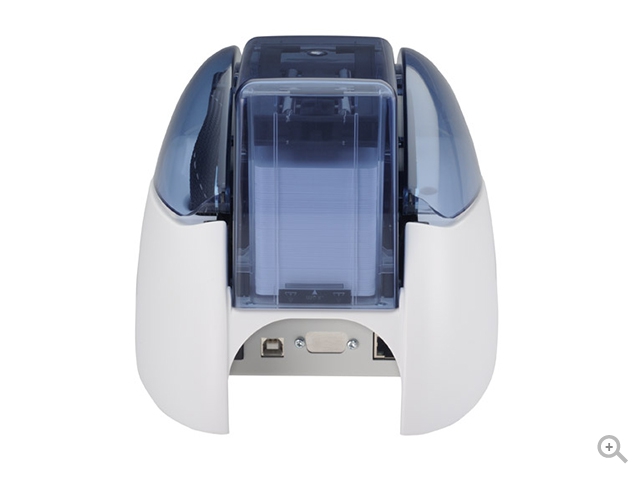
Evolis Badgy 200 Card Printer, Staff ID badges, School ID cards, Membership cards, Loyalty cards, Event badges, Visitor badges

0 out of 5

The affordable card printing solution

  • Printing: Single-sided
  • Encoding: No encoding option
  • Card lifespan: 1-3 years
  • Number of cards per year: Less than 500
  • Card security level: Standard

Read more
, ,

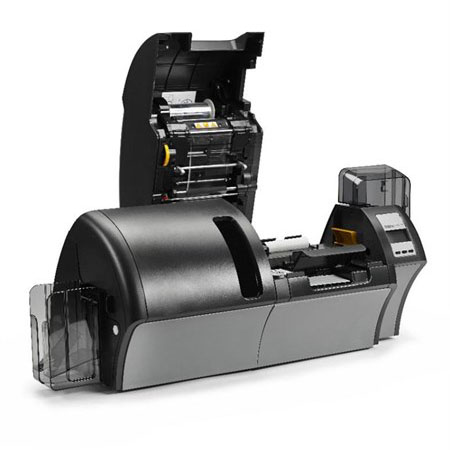
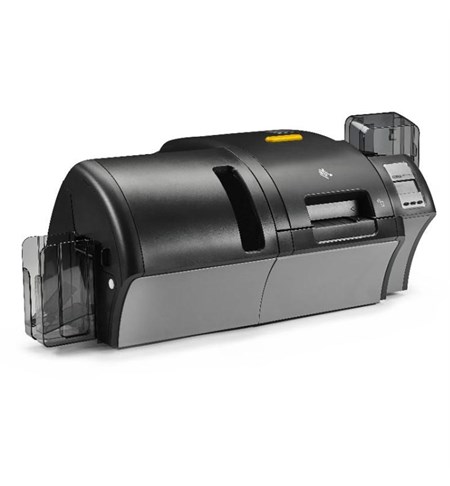
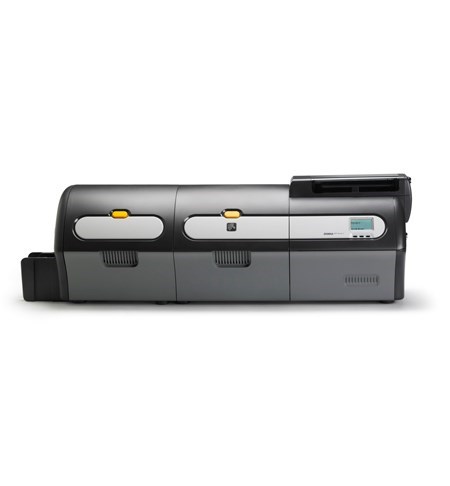
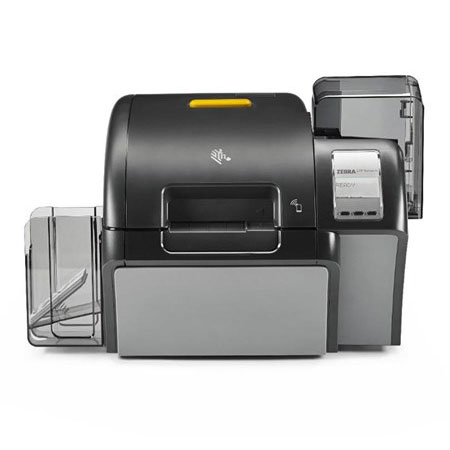
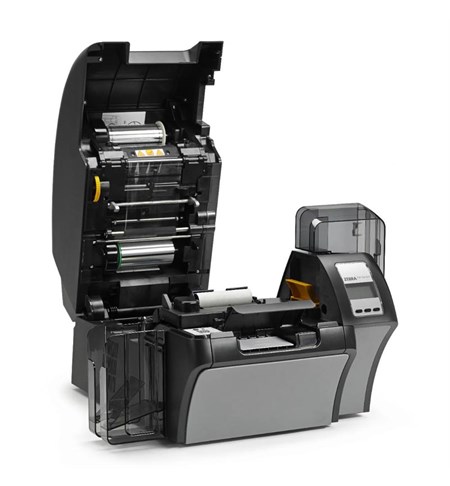
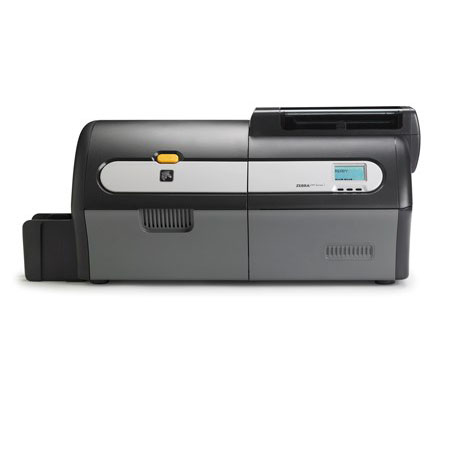
Zebra ZXP Series 9 Dual Sided Retransfer Card Printer

0 out of 5

OPTIONS:

  • ZXP Series 9 - Dual Sided, USB, Ethernet, Magnetic Stripe Writer [Mfr Part # Z92-0M0C0000EM00]
  • ZXP Series 9 - Dual Sided, USB, Ethernet, Contact Encoder [Mfr Part # Z92-A00C0000EM00]
  • ZXP Series 9 - Dual Sided, USB, Ethernet, Contact Encoder, Stripe Writer [Mfr Part # Z92-AM0C0000EM00]
  • ZXP Series 9 - Dual Sided, USB, Ethernet [Mfr Part # Z92-000C0000EM00]
  • ZXP Series 9 - 600dpi, Dual Sided, UK/EU/US Cords, USB, 10/100 Ethernet [Mfr Part # Z92-000C0600AP00]
  • ZXP Series 9 - 600dpi, Dual Sided, ISO HiCo/LoCo Mag, UK/EU/US Cords, USB, 10/100 Ethernet [Mfr Part # Z92-0M0C0600AP00]

Read more
,

Evolis Primacy Lamination, Secure employee badges, Driver's licenses, Resident cards, Military or police ID badges, Airport access control badges, Social security cards

0 out of 5

Product Code: PM1H00HSRSL0, PM1H0000RSLO, PM1H0000RDLO, PM1H0HLBRSL0, PM1H0000RDL0, PM1HB000RSL0, PM1H0T00RSL0 The ideal system for personalizing and laminating your cards

  • Printing: Single-sided, Double-sided
  • Encoding: Magnetic stripes, Smart contact, Smart contactless
  • Card lifespan: +3 years
  • Number of cards per year: More than 30,000
  • Card security level: Very High

Read more
,

Evolis Primacy Card Printer, Transport tickets, Payment cards, National ID cards, Student cards, Employee badges

0 out of 5

The Evolis Primacy ID Card Printer is a high-end printer designed to print single and dual sided ID cards in medium and large runs. It is easy-to-use, flexible and fast. The Primacy base model provides basic single-sided color card printing and can be upgraded to print on two sides with the dual-sided card printing module. Additionally, this printer can be upgraded with magnetic strip encoders and/or smart encoders which makes it capable of printing virtually any type of card you need. You can use the Primacy card printer to generate multi-feature cards, like student IDs, or just plain simple identification badges. The Fast and Versatile Card Printer

  • Printing: Single-sided, Double-sided
  • Encoding: Magnetic stripes, Smart contact, Smart contactless
  • Card lifespan: 1-3 years
  • Number of cards per year: More than 30,000
  • Card security level: High

Read more
,

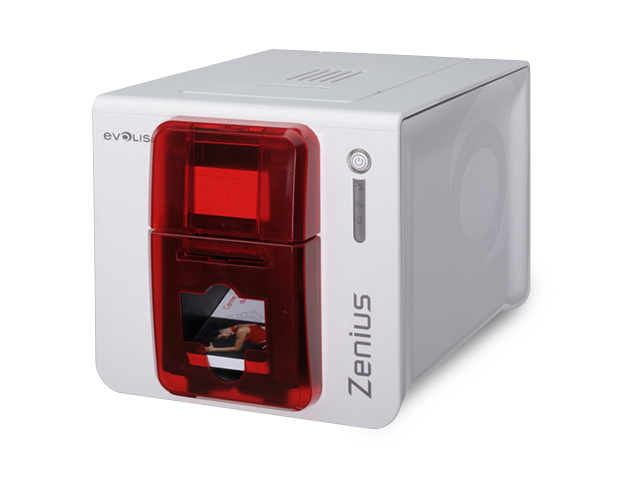
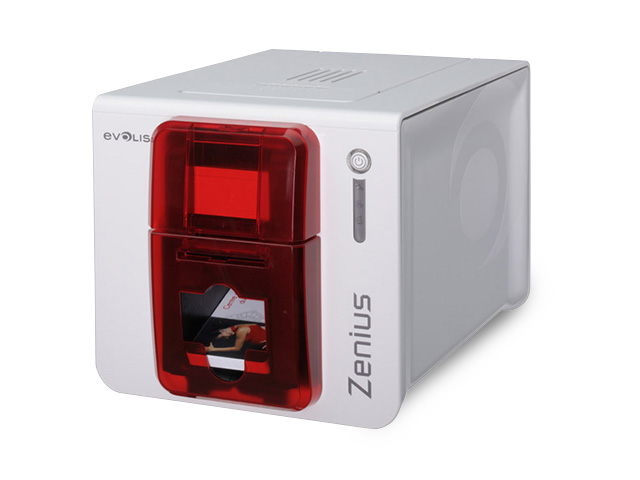
Evolis Zenius Card Printer

0 out of 5

The compact and agile card printer

  • Printing: Single-sided
  • Encoding: Magnetic stripes, Smart contact, Smart contactless
  • Card lifespan: 1-3 years
  • Number of cards per year: Between 500 and 5,000
  • Card security level: High

Read more
, , ,

Zebra ZXP Series 9 Single Sided Retransfer Card Printer, Single Sided, USB, Ethernet, Magnetic & Contact Encoder

0 out of 5

Product Codes: Z91-0M0C0000EM00, Z91-AM0C0000EM00, Z91-A00C0000EM00, Z91-000C0000EM00, Z91-000C0600AP00 Engineered to meet your high-security application needs, the ZXP Series 9 lets you produce photo-quality cards quickly and reliably. Ideal for printing photos and graphics, the dependable ZXP Series 9 printer incorporates Zebra’s Colour Predictive Technology, featuring algorithms that constantly monitor and instantaneously adapt printer settings to automatically produce the highest print quality. As a retransfer printer, it enables you to produce extremely durable, true to edge-to-edge cards – even on uneven card surfaces such as smart cards. For partners and customers who would like to use a Zebra card printer with their smartcard encoding application, please contact your Account Manager or a Zebra approved smartcard ISV for integration support. Benefits:

  • Outstanding Print Quality and Performance
  • Flexible, Hassle-free Operation
  • Adding Security Features

Read more
, , ,

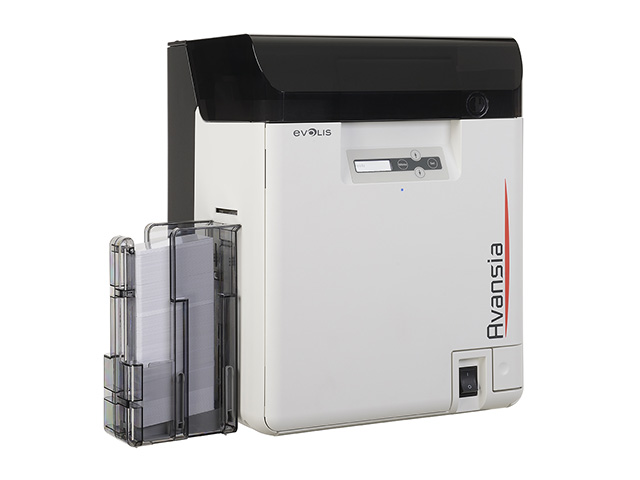
Zebra ZC300 Card Printer, Single/Dual Sided, UK/EU Cords, USB & Ethernet, Wifi, ISO HiCo/LoCo, PC/SC Contact

0 out of 5

Product Codes: ZC32-000C000EM00, ZC31-0M0C000EM00, ZC31-000W000EM00, ZC31-000C000EM00, ZC31-AM0C000EM00, ZC32-0M0C000EM00, ZC32-000W000EM00, ZC31-A00C000EM00 Features:

  • 300 dpi (11.8 dots/mm) print resolution
  • 2 GB flash memory
  • Image size: 1006 x 640 pixels
  • Auto calibration of ribbon
  • USB 2.0 and Ethernet 10/100 connectivity
  • 100 card capacity auto-adjusting input hopper (30 mil)
  • 100 card capacity output hopper (30 mil)
  • Manual card feeding capability with LED bezel
  • Graphical color LCD
  • 3 Tricolor printer status indicator lights
  • Kensington® secure lock slot
  • Print Touch NFC tag for online printer help and documentation access
  • Printer host authentication
  • Data encryption
  • Three-year limited warranty on printer and printhead
Read more
, , ,

Zebra ZXP Series 9 (Dual-sided with Single-sided Laminator)

0 out of 5

OPTIONS:

  • ZXP Series 9 - Dual Sided, USB, Ethernet, Single Sided Laminator, Magnetic & Contact Encoder [Mfr Part # Z93-AM0C0000EM00]
  • ZXP Series 9 - Dual Sided, USB, Ethernet, Single Sided Lamination [Mfr Part # Z93-000C0000EM00]
  • ZXP Series 9 - Dual Sided, USB, Ethernet, Single Sided Laminator, Magnetic Encoder [Mfr Part # Z93-0M0C0000EM00]
  • ZXP Series 9 - Dual Sided, USB, Ethernet, Single Sided Laminator, Contact Encoder [Mfr Part # Z93-A00C0000EM00]

Read more
,

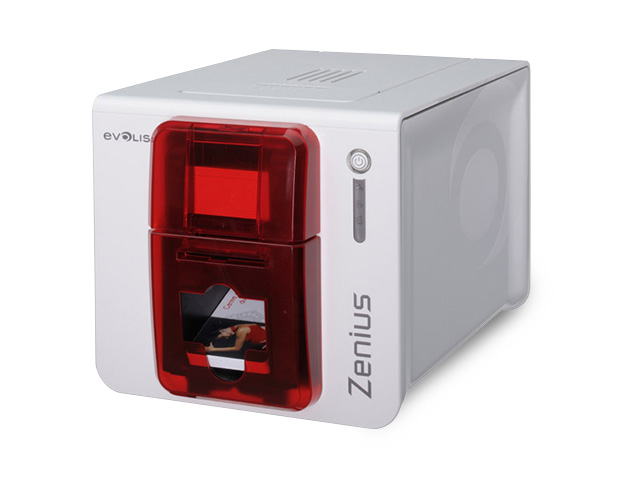
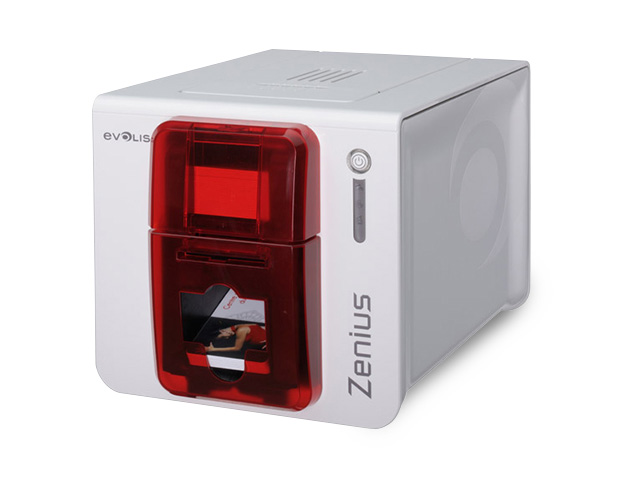
Evolis Zenius Single Sided ID Card Printer, Employee badges, Access control badges, Membership cards, Loyalty cards / gift cards, Transit passes

0 out of 5

Product Code:  ZN1U0000RS, ZN1H0000RS, ZN1U-GP1, ZN1HB000RS, ZN1U-MB1-TS, ZN1U0000TS, ZN1H00CWRS, ZN1H0000TS, ZN1U-MB2, ZN1H0T00RS, ZN1H0ELYRS The compact and agile card printer

  • Printing: Single-sided
  • Encoding: Magnetic stripes, Smart contact, Smart contactless
  • Card lifespan: 1-3 years
  • Number of cards per year: Between 500 and 5,000
  • Card security level: High

Read more
, ,

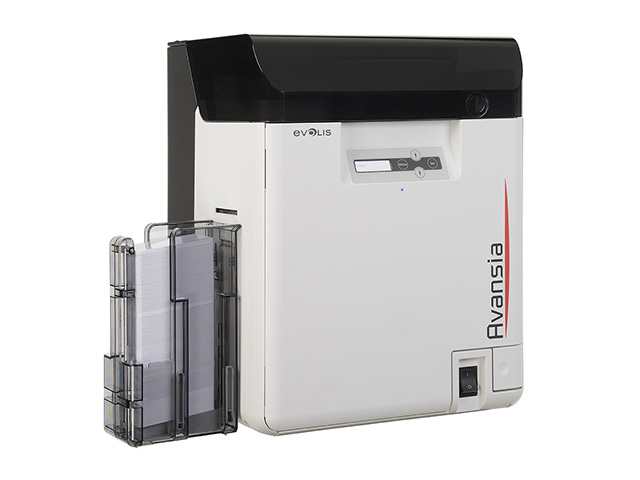
Zebra ZC350 Flexible Card Printer, Single/Dual Sided, UK/EU Cords, USB & Ethernet, Windows Driver, PC/SC Contact, Contactless Mifare

0 out of 5

Product Codes: ZC35-0M0C000EM00, ZC36-AM0C000EM00, ZC35-AM0C000EM00, ZC36-000C000EM00, ZC36-0M0C000EM00, ZC35-000C000EM00, ZC35-000W000EM00, ZC36-AM0W000EM00 Features:

  • 300 dpi (11.8 dots/mm) print resolution
  • 2 GB flash memory
  • Image size: 1006 x 640 pixels
  • Auto calibration of ribbon
  • USB 2.0 and Ethernet 10/100 connectivity
  • 100 card capacity auto-adjusting input hopper (30 mil)
  • 100 card capacity output hopper (30 mil)
  • Manual card feeding capability with LED bezel
  • Graphical color LCD
  • 3 Tricolor printer status indicator lights
  • Kensington® secure lock slot
  • Print Touch NFC tag for online printer help and documentation access
  • Printer host authentication
  • Data encryption
  • Three-year limited warranty on printer and printhead
Read more

Card printers, also known as ID card printers or badge printers, are specialized devices designed for printing identification cards, access cards, membership cards, and various types of plastic cards. These printers are widely used in industries such as corporate security, education, healthcare, and government for producing personalized and secure identification cards. Here are key aspects associated with card printers:

  1. Card Printing Technologies:
    • Direct-to-Card (DTC) Printing: This common technology involves transferring ink directly onto the surface of the card using a thermal print head. DTC printers are suitable for standard ID cards.
    • Retransfer Printing: This technology involves printing the image on a clear film, which is then fused onto the card surface using heat and pressure. Retransfer printing is known for producing high-quality and durable prints.
  2. Single-Sided vs. Dual-Sided Printing:
    • Card printers can be configured for single-sided or dual-sided printing. Dual-sided printers are capable of printing on both sides of the card, allowing for additional information or security features.
  3. Card Encoding:
    • Some card printers offer encoding capabilities, allowing for the integration of magnetic stripes, smart chips, or radio-frequency identification (RFID) technology into the cards for access control or other applications.
  4. Card Material Compatibility:
    • Card printers are designed to work with different card materials, including PVC, polyester, and composite materials. The compatibility with various card materials ensures flexibility in card design and durability.
  5. Print Resolution:
    • Print resolution is measured in dots per inch (dpi) and determines the level of detail in the printed image. Higher dpi values result in sharper and more detailed card prints.
  6. Color Printing:
    • Card printers can produce cards in full color, allowing for the incorporation of logos, images, and other design elements. High-quality color printing is essential for creating visually appealing and professional-looking ID cards.
  7. Card Security Features:
    • Many card printers offer security features such as holographic overlays, UV printing, and watermarking to enhance the security and authenticity of the printed cards.
  8. Card Design Software:
    • Card printers often come with or support card design software that allows users to create and customize card layouts. These software tools enable the inclusion of text, images, and variable data on the cards.
  9. Connectivity:
    • Card printers typically connect to computers and networks via USB, Ethernet, or wireless interfaces. This connectivity facilitates seamless integration into existing systems for card issuance.
  10. Batch Printing:
    • Batch printing capabilities allow card printers to efficiently produce a large number of cards in a single printing session. This is particularly useful for organizations that need to issue cards in bulk.
  11. Card Lamination:
    • Some card printers come with lamination modules that apply a protective layer to the printed cards, enhancing durability and resistance to wear and tear.
  12. User-Friendly Interface:
    • Card printers often feature user-friendly interfaces for easy operation. This includes LCD screens, touch panels, and intuitive software interfaces for managing card printing settings.
  13. Environmental Considerations:
    • Energy-efficient and eco-friendly features, such as sleep modes and reduced power consumption, are increasingly important considerations for card printers.